Our app is available in English, Dutch, German, French, Swedish, Norwegian, and Czech. However, the nautical maps and the ‘ANWB Wateralmanak Part 2’ are currently only available in Dutch.
How do I change the language on iOS?
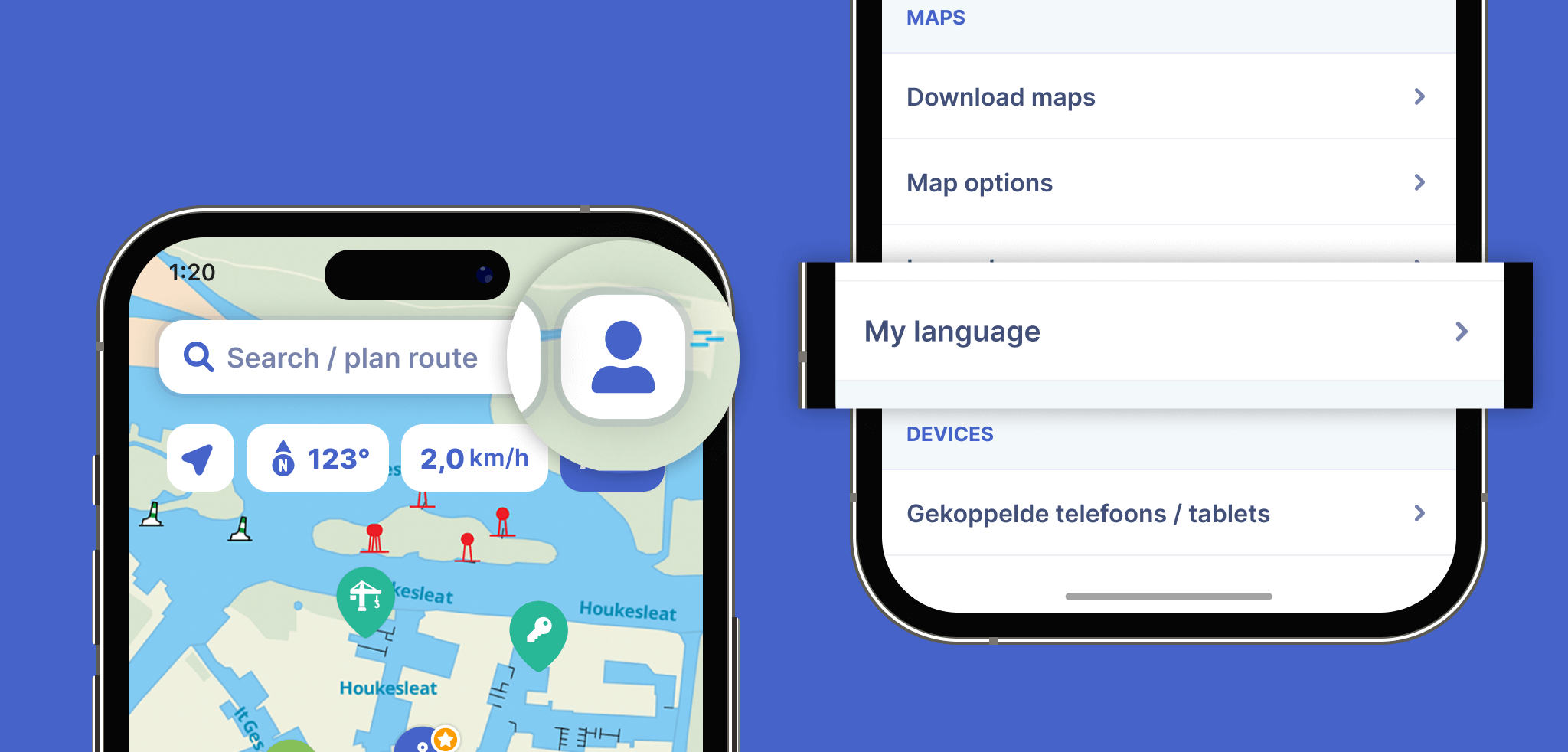
Tap the profile icon in the top right corner of the app
Tap ‘My Language‘. You will now be automatically redirected to your device’s settings.
Under the ‘Preferred Language‘ heading, tap ‘Language’
Choose your desired language under ‘Suggested Languages‘, or select a language under ‘Other Languages’
How do I change the language on Android?
Tap the profile icon in the top right corner of the app
Tap ‘My Language‘. You will now be automatically redirected to your device’s settings.
Under the ‘App Language‘ heading, choose your desired language from the suggested languages, or select a language under ‘All Languages’